Frontend / Mobile Track
Use this track when you are adding user login to a single-page app or a mobile app. By the end you will have a working login, issued tokens, and optional MFA.
Prerequisites
- A LumoAuth organization — sign up
- A public OAuth client (no client secret) with PKCE enabled. PKCE is a one-time secret that protects the sign-in code: the app generates it, so an intercepted code cannot be exchanged for tokens.
1. Learn the model
Read Core Concepts to understand organizations, users, OAuth clients, and tokens. Then skim Authentication Overview to pick the flow that fits your app. For any browser or mobile client, that flow is almost always Authorization Code + PKCE.
2. Register your application
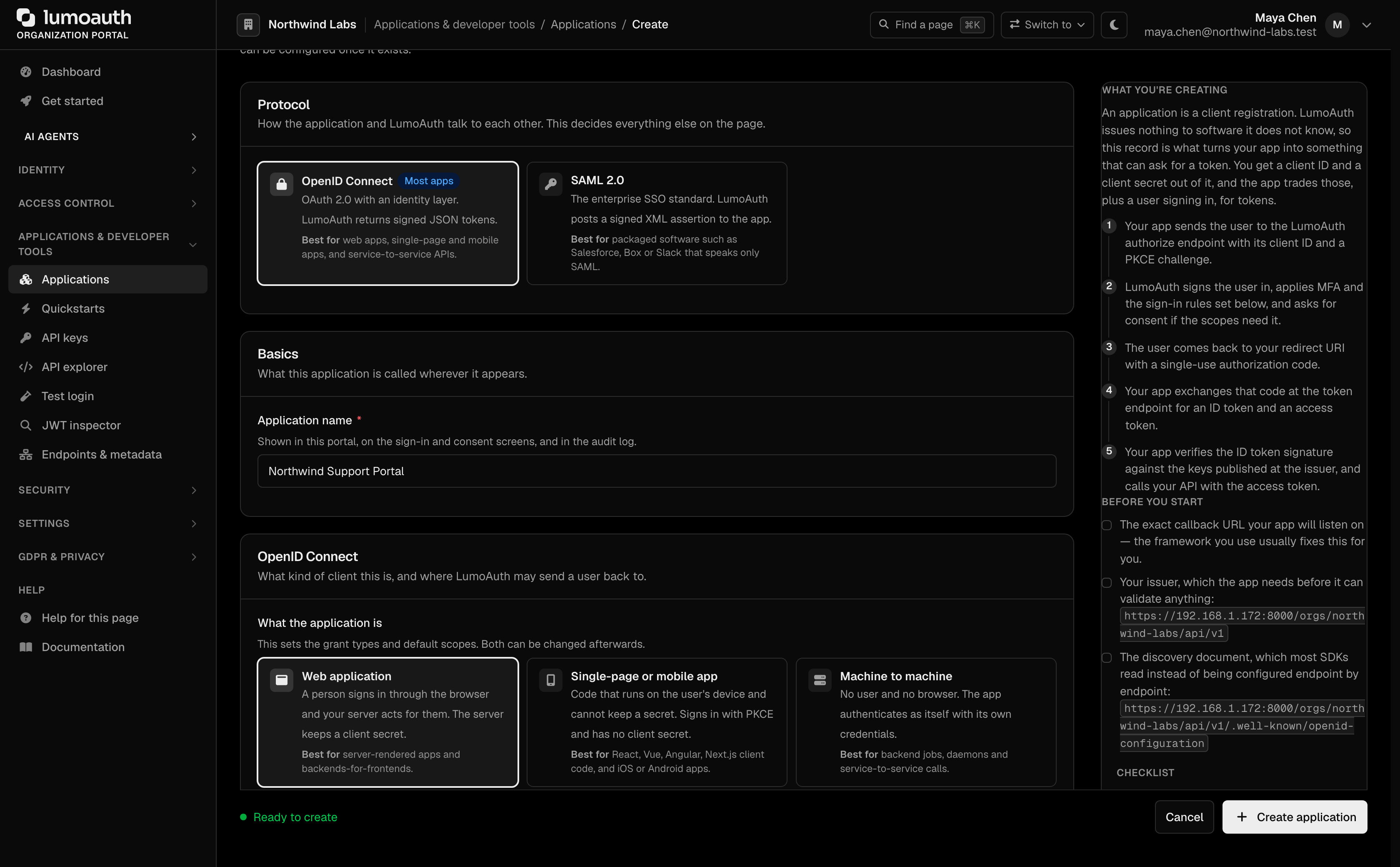
Follow Your first 15 minutes in the portal to sign up, create your first organization, and register an OAuth application. On the Create application form, pick Single-page or mobile app under What the application is. That creates a public client that signs in with Authorization Code + PKCE. Then set the Redirect URI to match the URL that your app listens on for the OAuth callback.
3. Run a framework quickstart
Each quickstart runs end-to-end, with code that you can copy and paste.
| Framework | Guide |
|---|---|
| React | React quickstart |
| Next.js | Next.js quickstart |
| Vue.js | Vue quickstart |
| Angular | Angular quickstart |
| React Native | React Native quickstart |
4. Harden the login
- Passkeys / WebAuthn — phishing-resistant passwordless login with a device biometric or security key
- Social Login — Google, GitHub, Microsoft, Apple
- MFA and Adaptive MFA — step up when risk is higher
5. Ship to production
- Keep access tokens short-lived and use refresh-token rotation
- Use exact-match redirect URIs (no wildcards) so attackers cannot redirect the code to a URL that they control
- Validate the OAuth
stateparameter on the callback to prevent CSRF - See Security Best Practices
Next track
- Your backend needs to validate tokens? → Backend / Service Track
- Selling to enterprise customers? → Admin / IT Track
Standards used on this page
| Plain name | Standard |
|---|---|
| Proof Key for Code Exchange (PKCE) | RFC 7636 |
See the standards reference for what each one covers and how LumoAuth uses it.